Marlborough Public Schools
Transforming Education
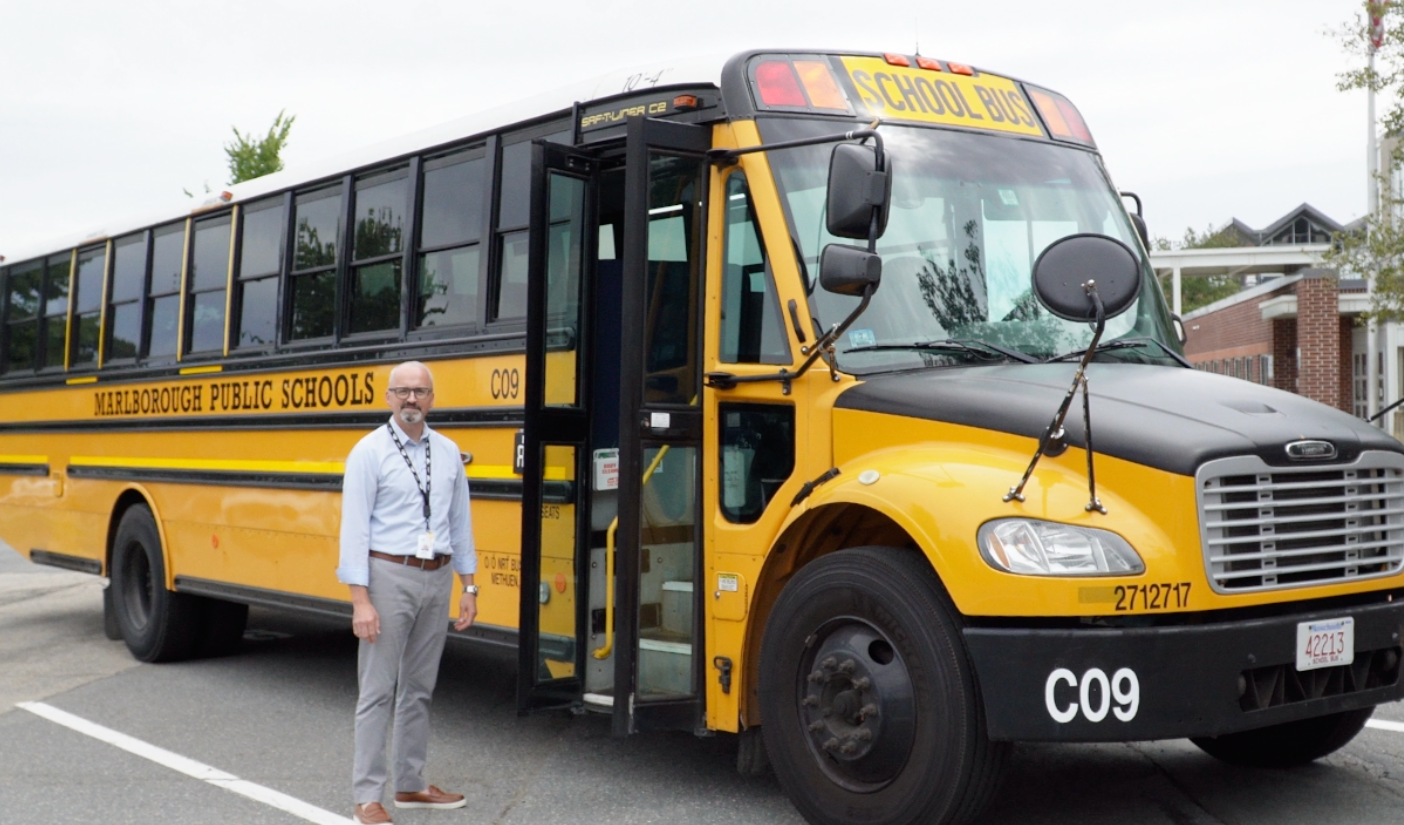
Students whose home address is not on the Walking Zone list are eligible for yellow bus transportation. This list may be revisited year-by-year to determine eligibility and routing.
Students with designated specialized transportation through their IEP do not need to register.
Marlborough Public Schools has identified a list of streets that are not eligible for yellow bus transportation, referred to as walking zones. Students whose home address is on these streets are not eligible to ride the bus, and daycare providers on these streets will not receive yellow bus transportation.
Marlborough Public Schools' yellow bus transportation operates using community bus stops for neighborhoods located on main roads that service those areas. Bus routes are being designed to avoid driving into neighborhoods. Students who live in busing zones will be required to walk to community bus stops.
Our new bus tracking app is now available, providing parents with peace of mind by offering real-time updates on their child's school bus location. Currently, the app only includes routes for the regular yellow school buses. We are collaborating with our vendor to add specialized transportation routes, and we will provide more information as it becomes available.
Step-by-Step Instructions
To begin using the Beacon Connect app, follow these steps:
Download the app on Google Play or find it on the App Store. You may also search "BC Family" in your app store to find it.
Once you've downloaded the app, select "Sign In" to begin the login process.
Enter the same phone number listed for your student's primary contact.
Click on "Add new bus/route." You'll need your student's bus route number, which can be found at www.mps-edu.org/transportation.
Select the route you want to follow.
Select your student.
Select a zone type.
Adjust your zone size.
Select the desired days/times you would like to receive notifications.
Receive a notification whenever the bus enters a zone.
Track the bus in real time (with a 16-second delay).
Video Tutorial
For step-by-step instructions on setting up the app, you can watch the video tutorial. Please note that the video is only available in English.
All students riding a Marlborough Public Schools bus must follow these rules.
Students should stay seated and keep their hands and feet to themselves, not leaning into the aisles, throughout the bus ride.
Students who need to cross the street to board the bus must wait for the driver's "thumbs up" signal to ensure safety before crossing.
Food and drinks, including gum, are not allowed on the bus.
Students are expected to use an "inside voice" at all times on the bus.
Kindergarten students should sit in the front rows.
Students must ride the bus assigned to them unless they have approval from the school administration.
Failure to follow these rules may result in the loss of bus privileges.
Students should never walk beside the bus or try to get an object from the ground near the bus. Wait until the bus departs before retrieving it.
Please note: buses have interior cameras that record video and audio to ensure student safety.